One night on its route
An example simulation of a night on the perimeter of an airport or a port, with your security company.
Airport · 23:00 · Route
The route starts
It follows its assigned route along the perimeter road.
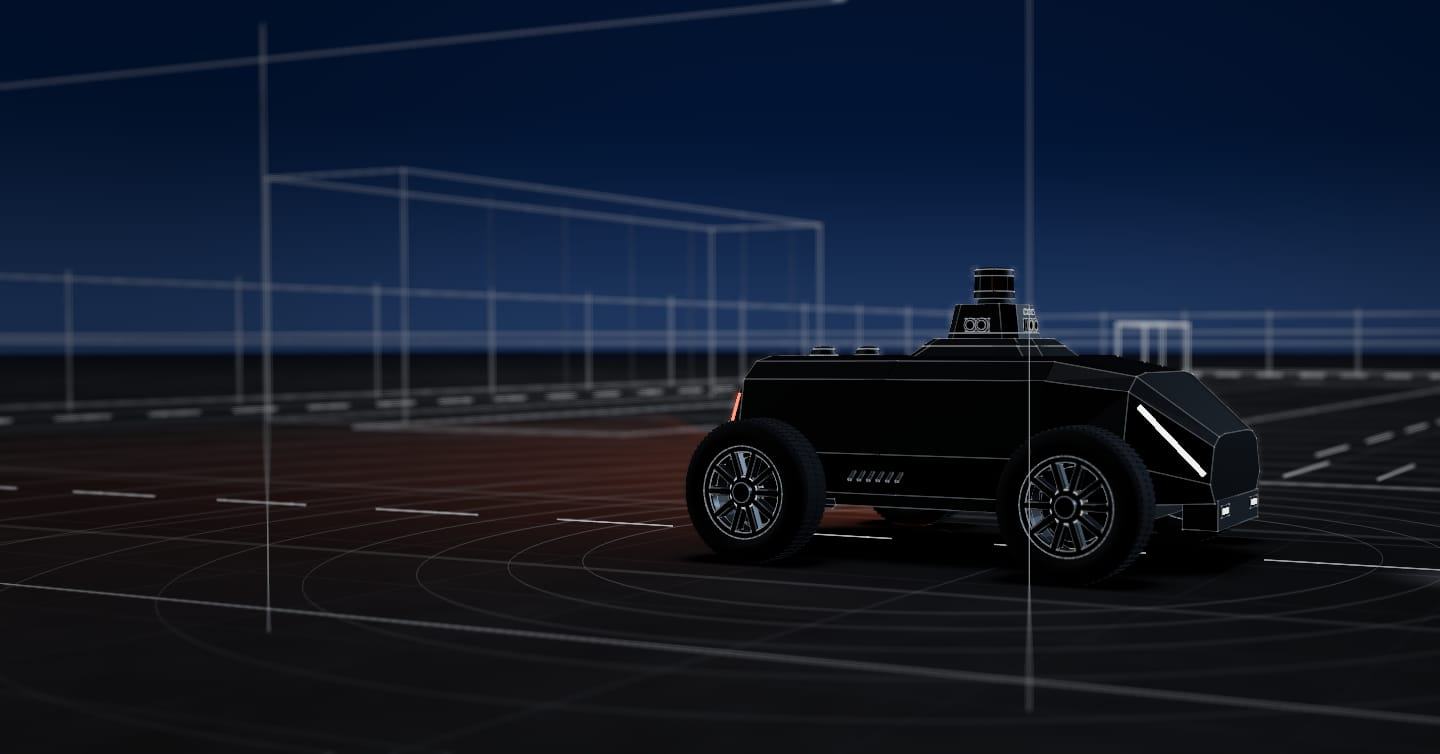
Long perimeters with restricted areas. The SX-1 robot drives the perimeter road and service roads, your security company operates it from its post, and every alert leaves a record.
Autonomy system tested in the real world Where we test it
01The problemAirports and ports
Each section has its own security procedures, and many are far from the checkpoints.
Fencing beside runways, service roads, quays and storage areas, with sections far from buildings and checkpoints.
On a critical perimeter, each incident needs to be logged. We review your site’s rules with your team.
Covering the perimeter ties up a team that also handles access points, checks and other incidents on site.
An example simulation of a night on the perimeter of an airport or a port, with your security company.
Airport · 23:00 · Route
It follows its assigned route along the perimeter road.
Airport · 01:30 · Route
It passes the service gate on the east section, inside a detection zone.
Airport · 04:10 · Alert
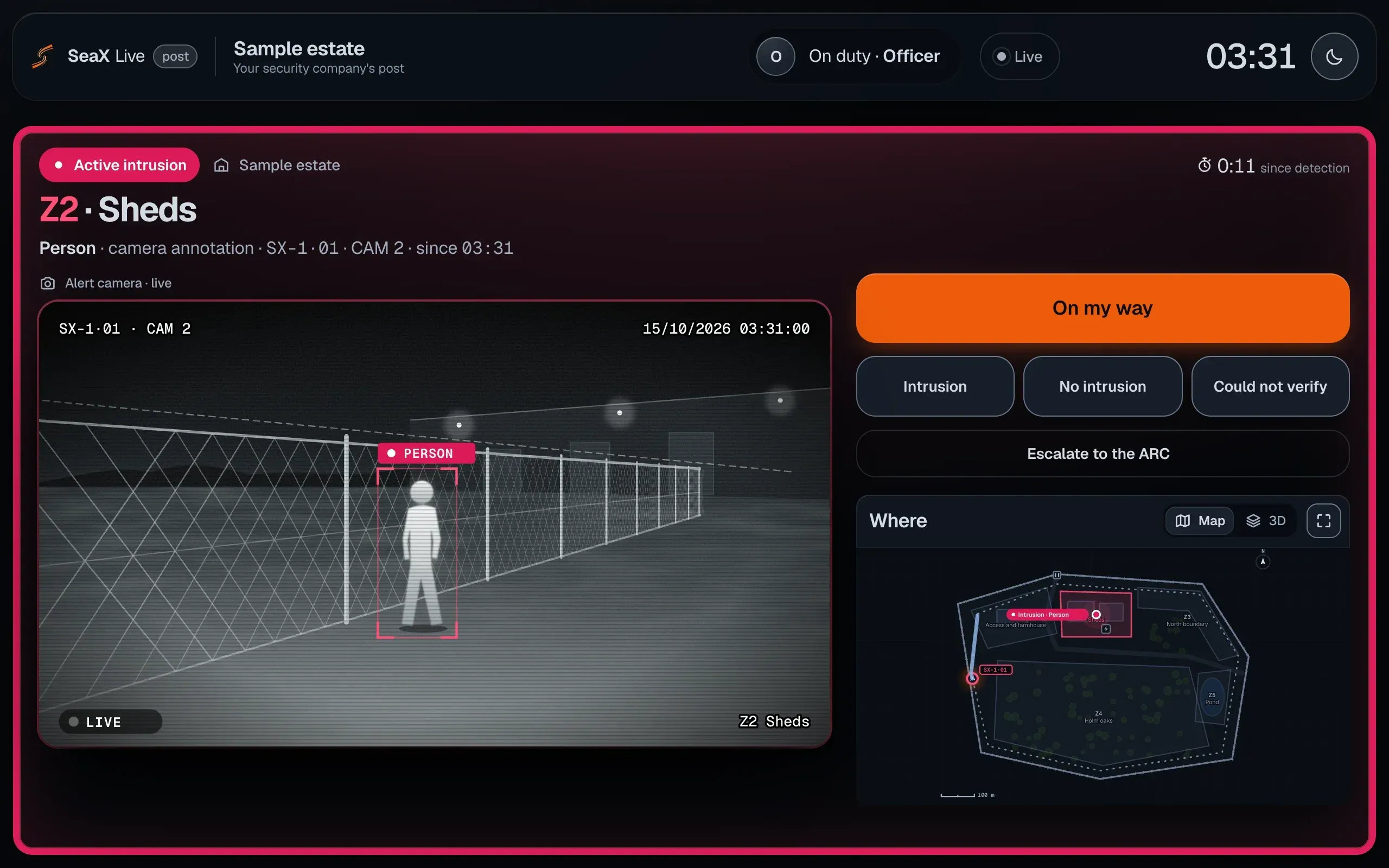
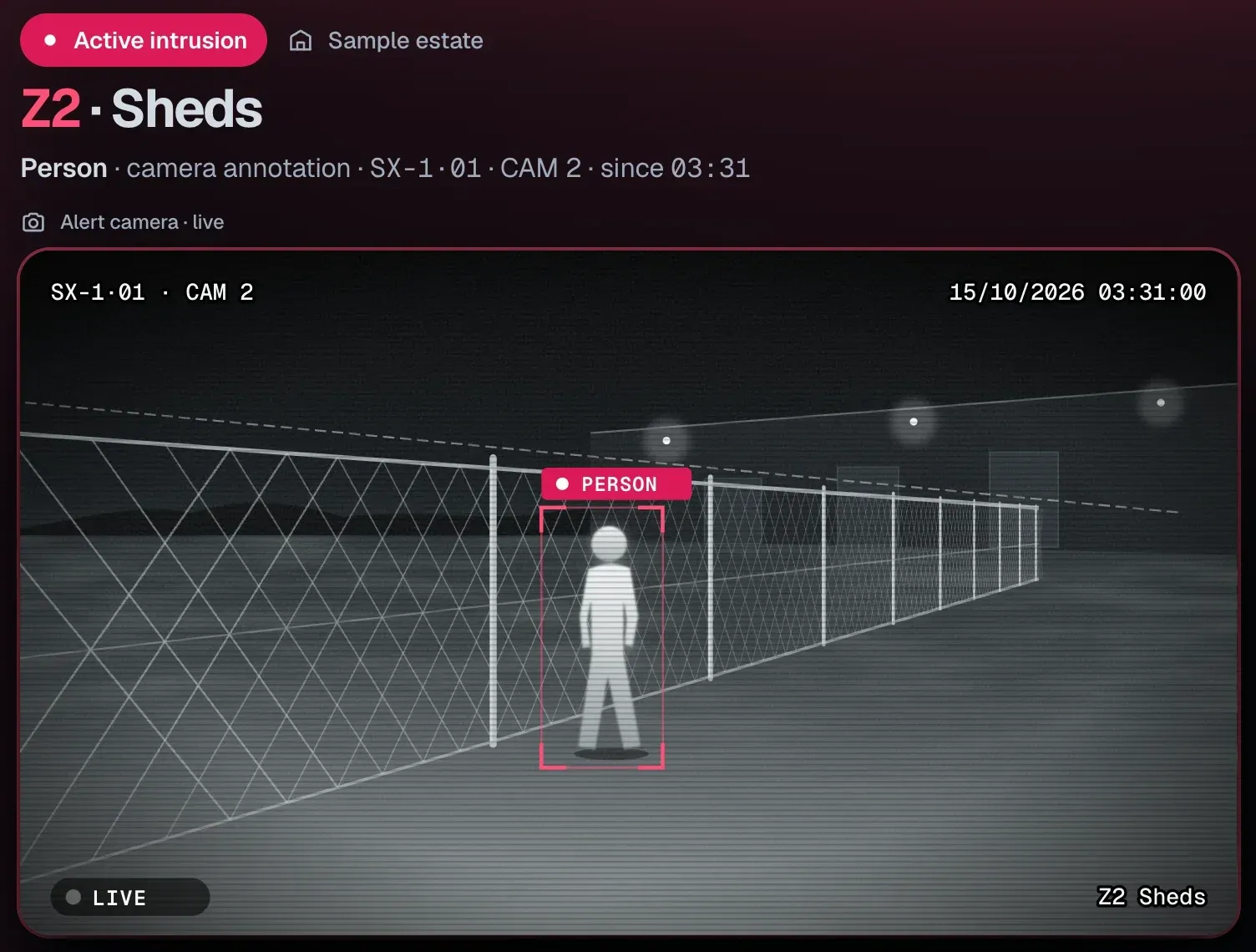
Detects a person by the fence. Your security company’s officer gets the alert at their post, with image and position, and decides the response.
Port · 03:12 · Route
It drives the quay road past the cranes, inside a detection zone.
See how · With your security companyThe system is the same on every site.
03Who handles the alerts · SeaX LiveAirports and ports
You can also:With your ARCFrom your phone
Not working with a security company? We put you in touch with one, or you use it yourself from your phone. Demo and pilot
It works alongside your cameras, your security company and your ARC.
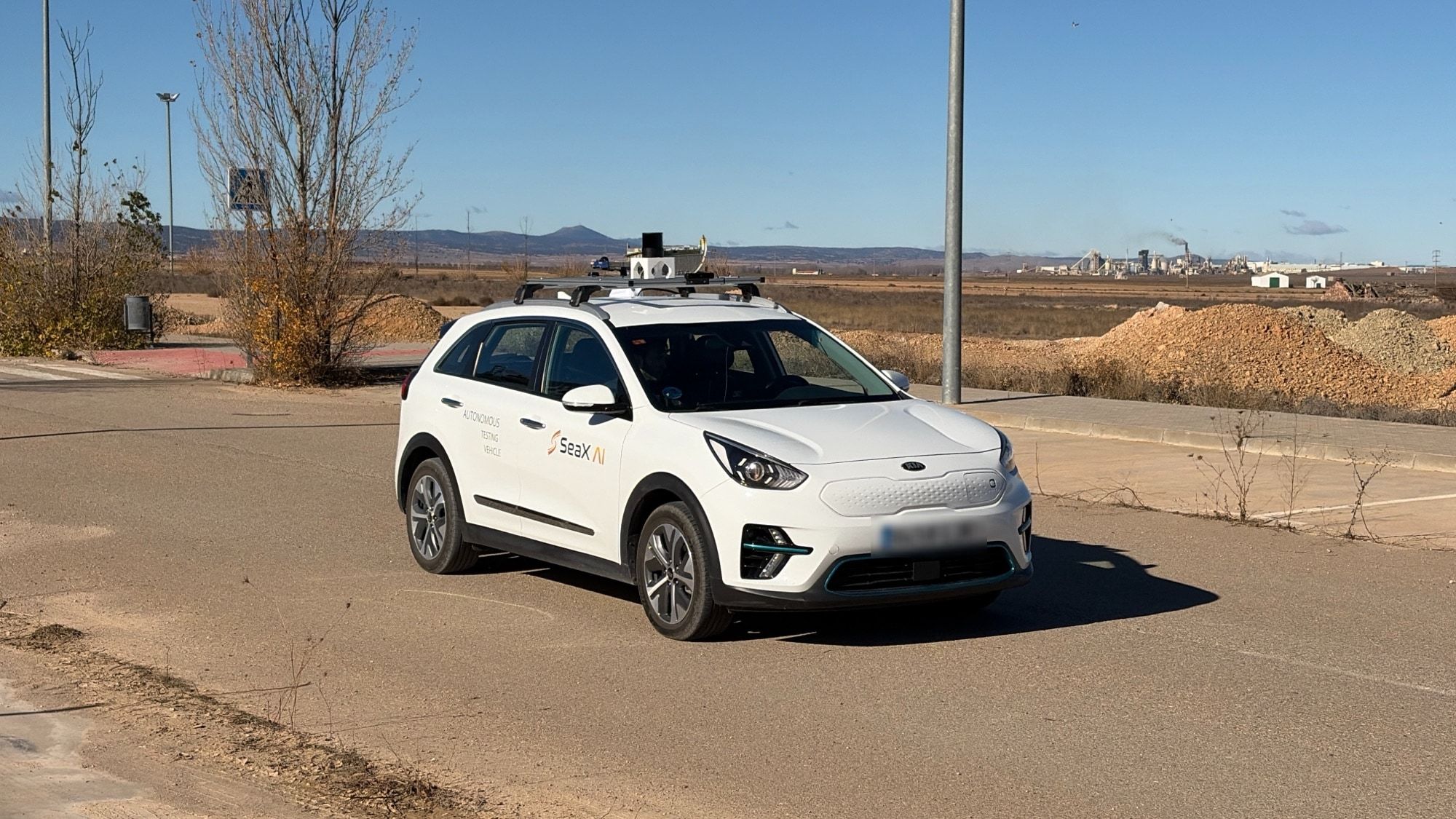
No. Teruel Airport is our test site. We test the autonomy system there on our vehicle.
Only on roads authorised by the site operator. Your security team sets the routes.
Every alert leaves a record: photos, time, position and who decided. You can keep it as evidence. It stays in SeaX Core.
It places them on the site map and sends the alert, with image and position, to your security company’s post, where it shows up in SeaX Live. Their security officer decides on every alert and can escalate it to your ARC. The response stays with whoever handles the alert.
The robot privacy policy explains it: what data it captures and how it is handled.
Robot privacy
Next step
Leave your details and we will get in touch to learn about the perimeter and how it is covered today. We use that to prepare the demo.
We agree the details with you on the first visit.