One night on its route
An example simulation of a night at a solar farm connected to its ARC.
22:00 · Route
The route starts
It drives the perimeter fence first, then the inner tracks.
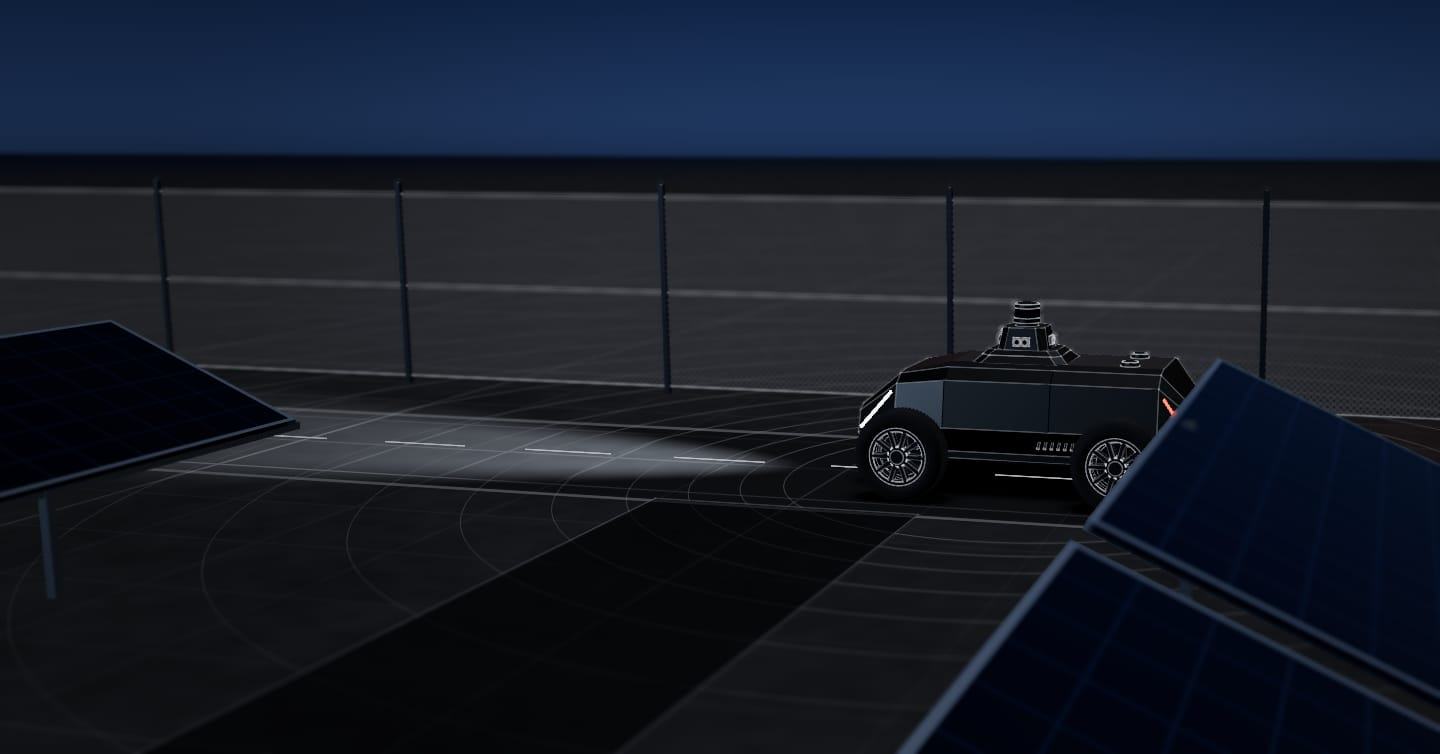
Cable and panel theft on long, remote perimeters. The SX-1 robot drives the fence line and the inner tracks, day and night, and sends every alert, with a photo and position, to your ARC or your security company.
Autonomy system tested in the real world How we test it
01The problemSolar farms
Solar farms are usually far from towns, with long perimeters and few staff on site at night.
Kilometres of fencing across open countryside. Between one pass and the next, much of the perimeter goes hours without anyone passing by.
It happens at night, away from the gates, and quickly. Copper cabling and the modules themselves are the usual targets.
Fixed cameras cover specific stretches of the fence. Between them there are areas nobody sees, far from the gates.
An example simulation of a night at a solar farm connected to its ARC.
22:00 · Route
It drives the perimeter fence first, then the inner tracks.
02:47 · Alert
Detects a person by the fence and sends the alert to your ARC with image and position. The centre verifies it and handles the response.
04:10 · Route
It carries on along the inner tracks, past the transformer stations.
06:00 · Log
The night’s alerts, with their photos and outcome, are at hand for the O&M team in SeaX View.
See how · With your ARCThe system is the same on every site.
03Who handles the alerts · SeaX ConnectSolar farms
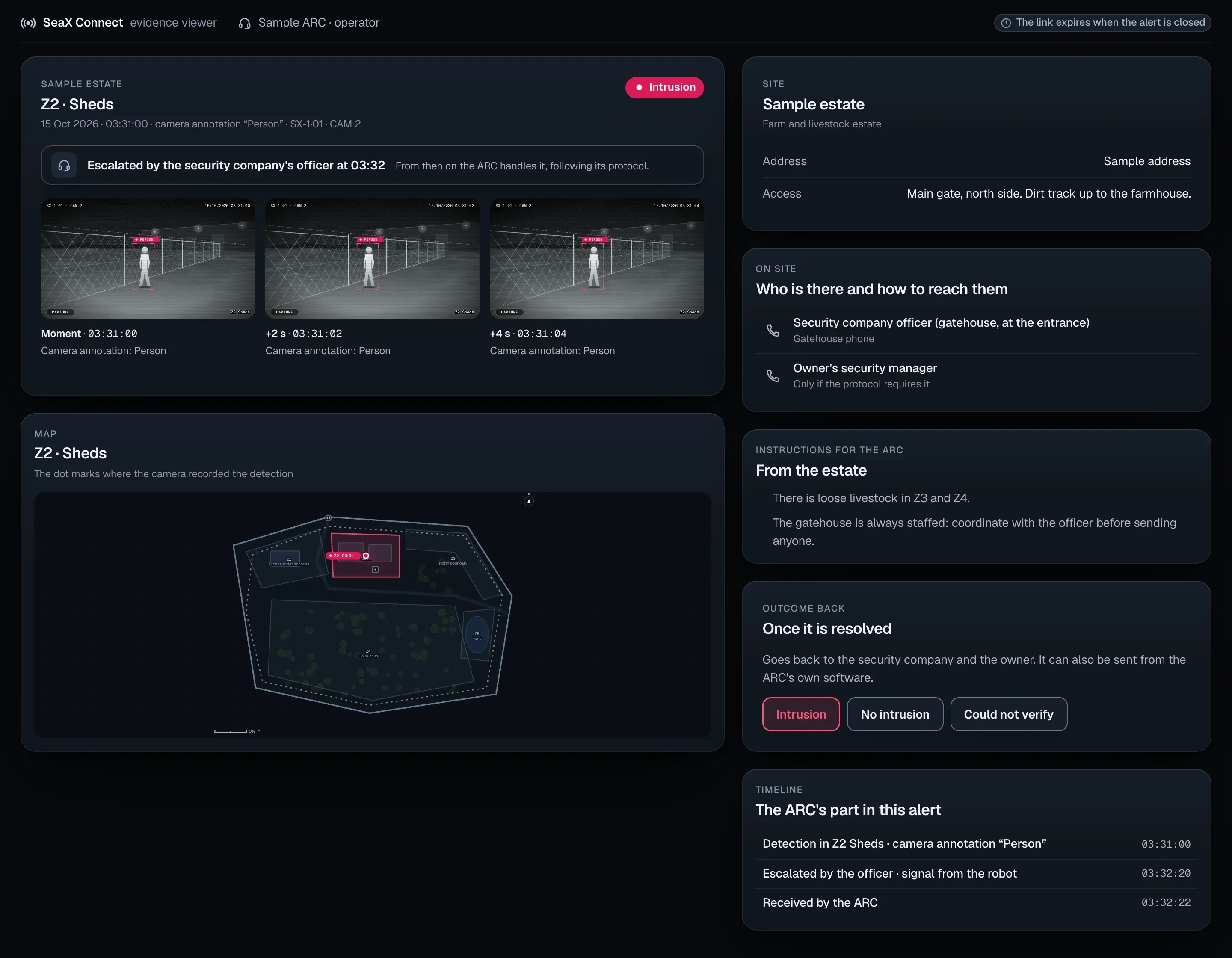
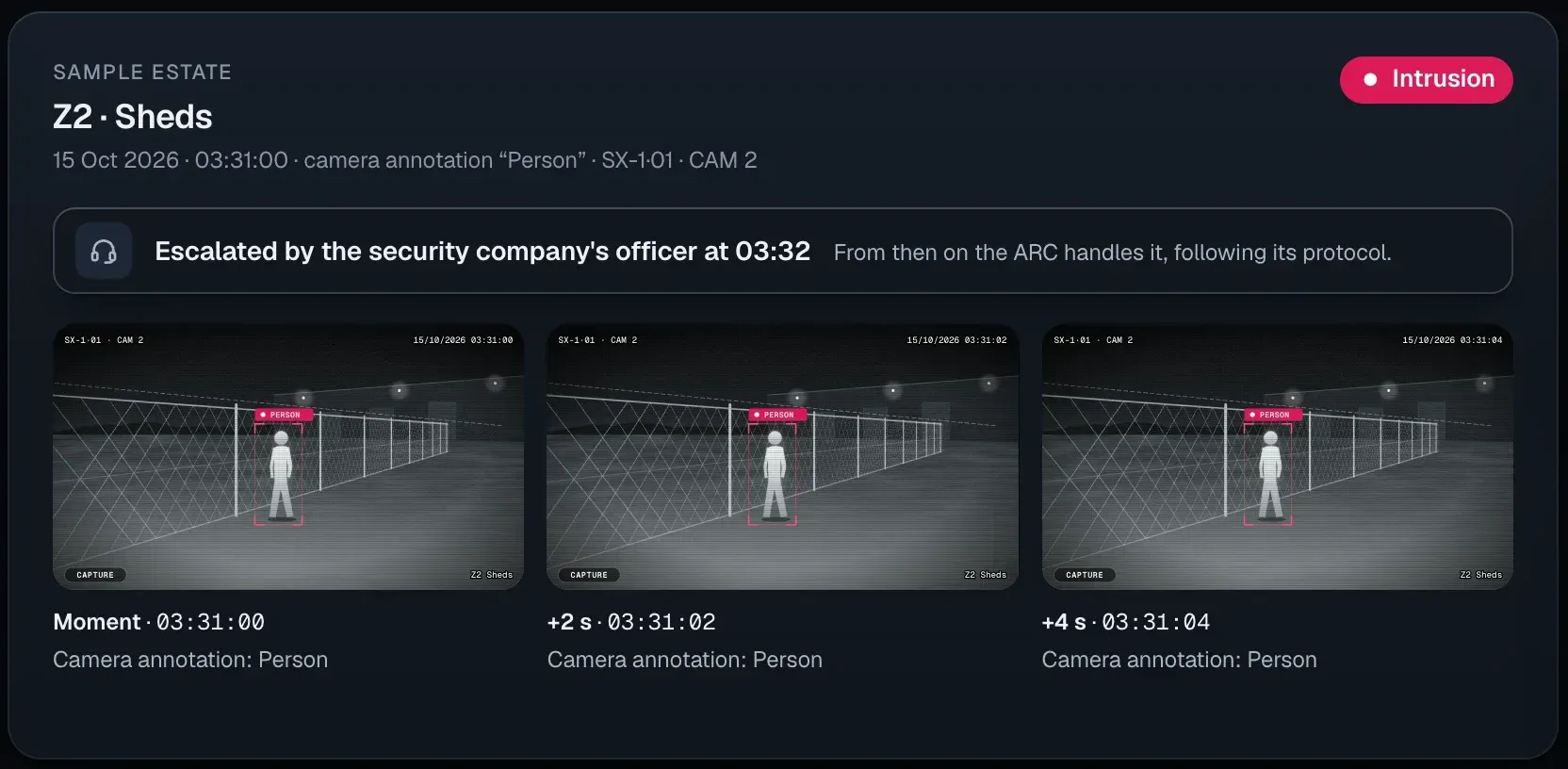
You can also:With your security companyFrom your phone
Not working with a security company? We put you in touch with one, or you use it yourself from your phone. Demo and pilot
It works alongside your cameras, your security company and your ARC.
It depends on the spacing between rows and the ground surface. We review the layout with you before the demo.
You can pause the zone where the crew is working, with a reason and an end time, and it starts alerting again on its own. If an alert still goes off, whoever receives it sees the image and dismisses it.
If a track reaches them, they go on the route. We check it on the site plan before the demo.
It places them on the site map and, through SeaX Connect, sends the alert to your ARC with image, classification and position. The centre verifies it and handles the response under your contract with it.
The robot privacy policy explains it: what data it captures and how it is handled.
Robot privacy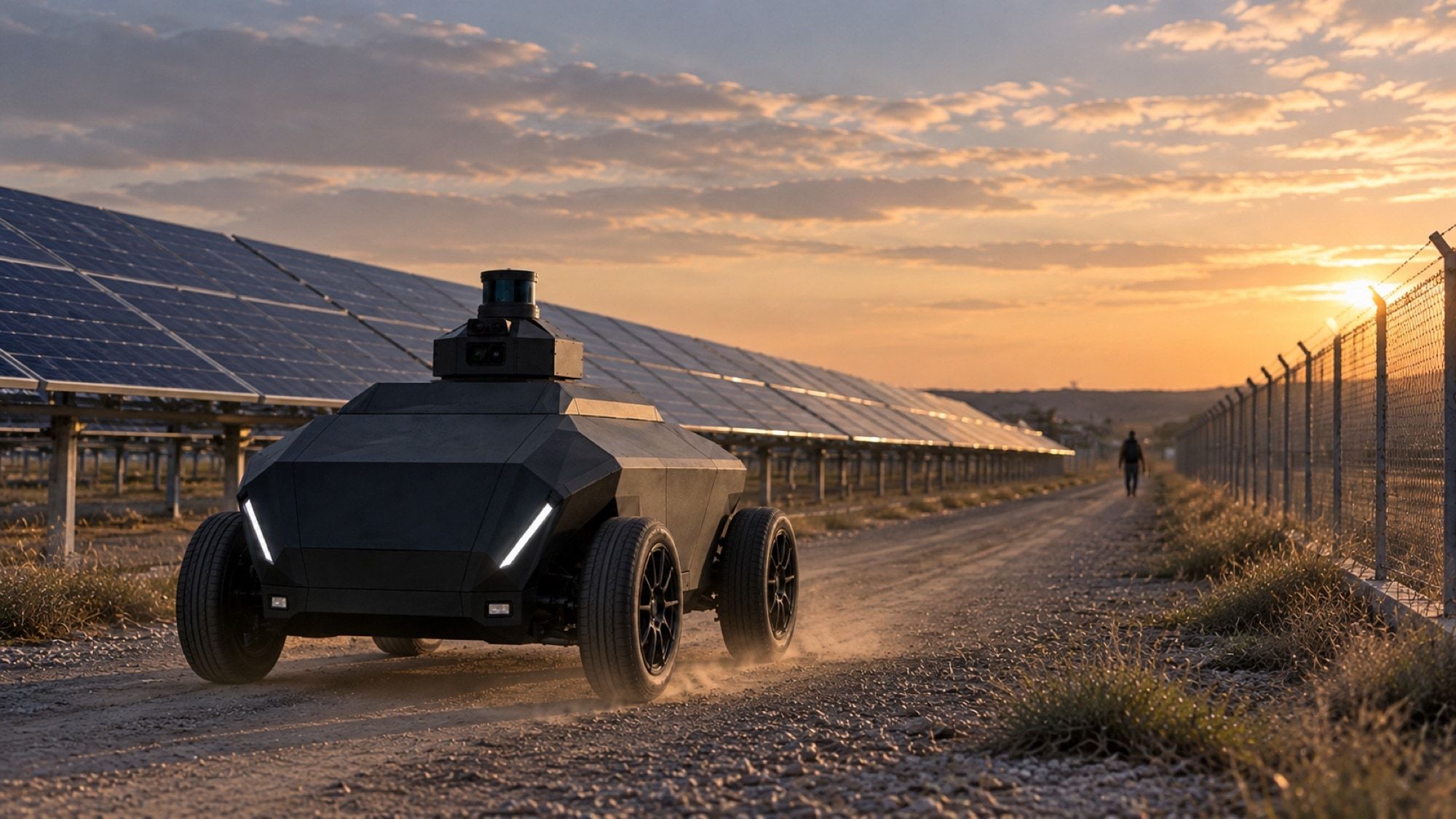
Next step
Leave your details and we will get in touch to learn about the perimeter and how it is covered today. We use that to prepare the demo.
We agree the details with you on the first visit.