How an alert travels
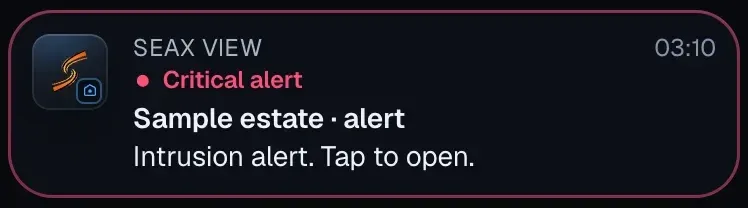
From the robot to whoever handles it: your security company, your ARC or you. Nobody at SeaX AI handles the alert.
01 · The SX-1
Detects
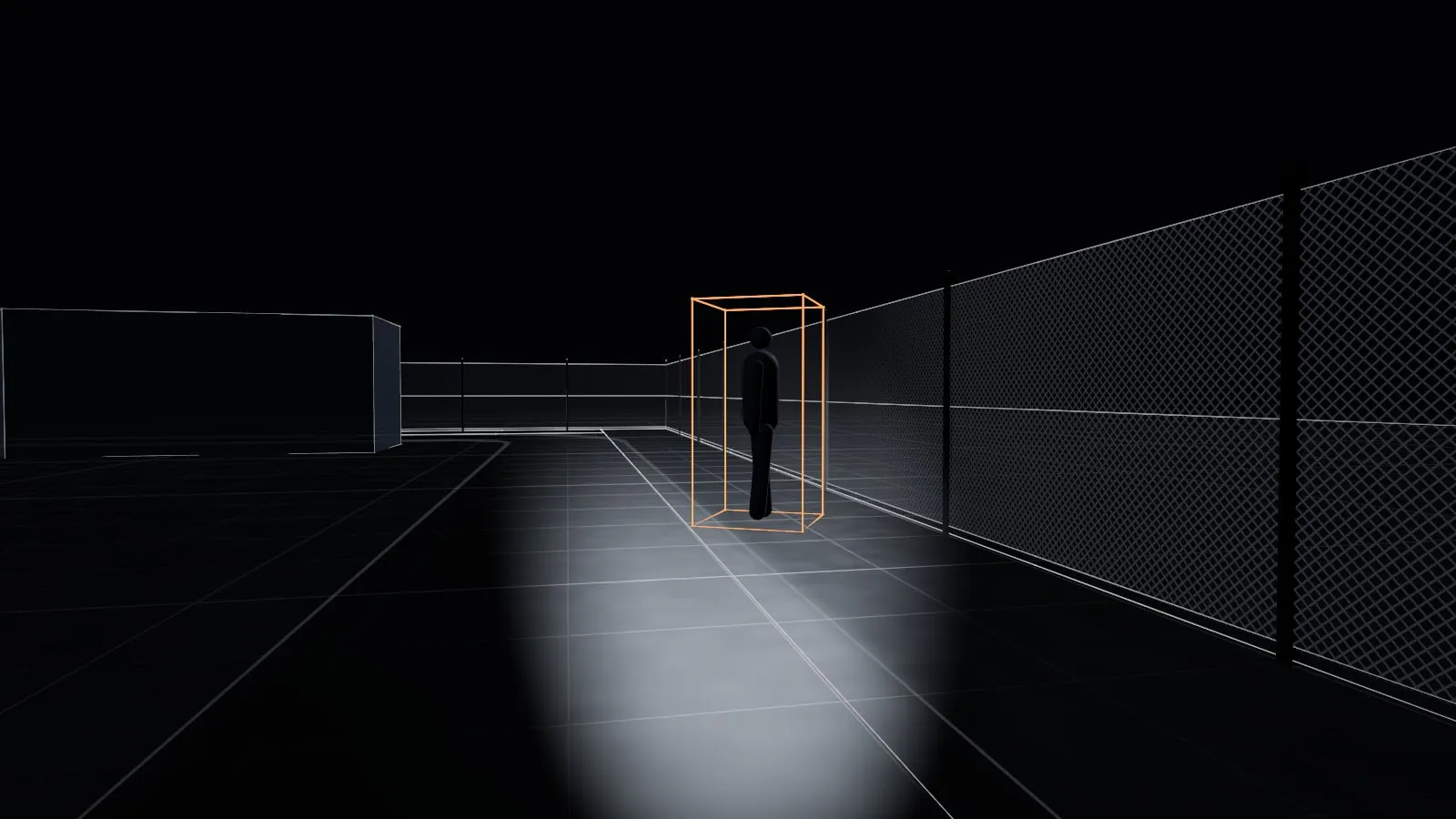
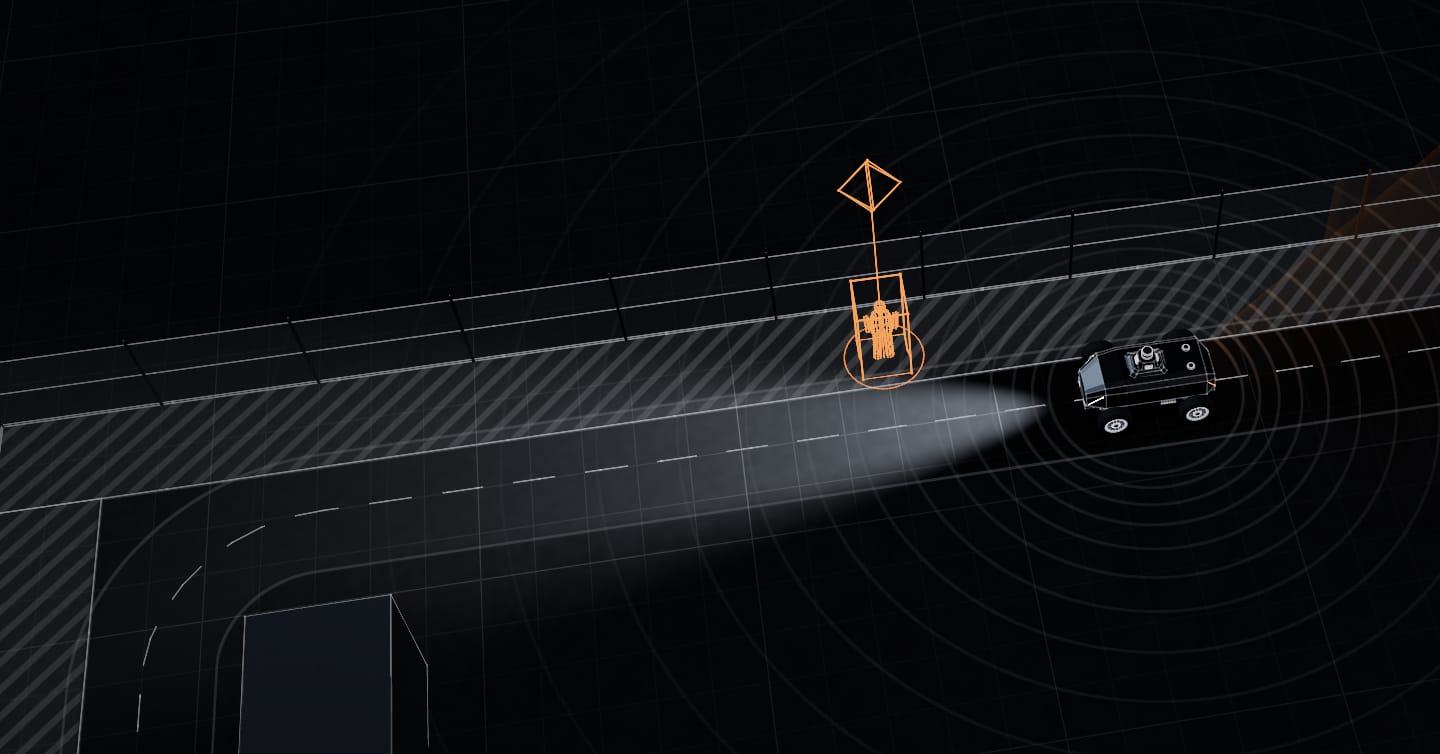
Detects a person inside one of the site’s detection zones and places them on the map.
SeaX Core platform
SeaX Core connects the SX-1 robot with the people who work with it. You see your site with SeaX View, your security company handles alerts with SeaX Live and your alarm receiving centre gets them through SeaX Connect.SeaX Core connects the SX-1 robot with each party, and each party works with its own app.
The platform
SeaX Core stays in the background: it is the platform the apps run on. It holds the site set-up, permissions, video and history, and each person sees their part and nothing more. SeaX AI maintains the robots and supervises them technically.
Platform diagram: SX-1 robots connect to SeaX Core, and on top of SeaX Core run SeaX View for the customer, SeaX Live and SeaX Field inside SeaX Pro for professionals, and SeaX Connect for alarm receiving centres and third-party software.
DiagramIn the app stores, two apps: SeaX View, for customers, and SeaX Pro, for professionals, with SeaX Live and SeaX Field inside.
For the site owner
What it is for
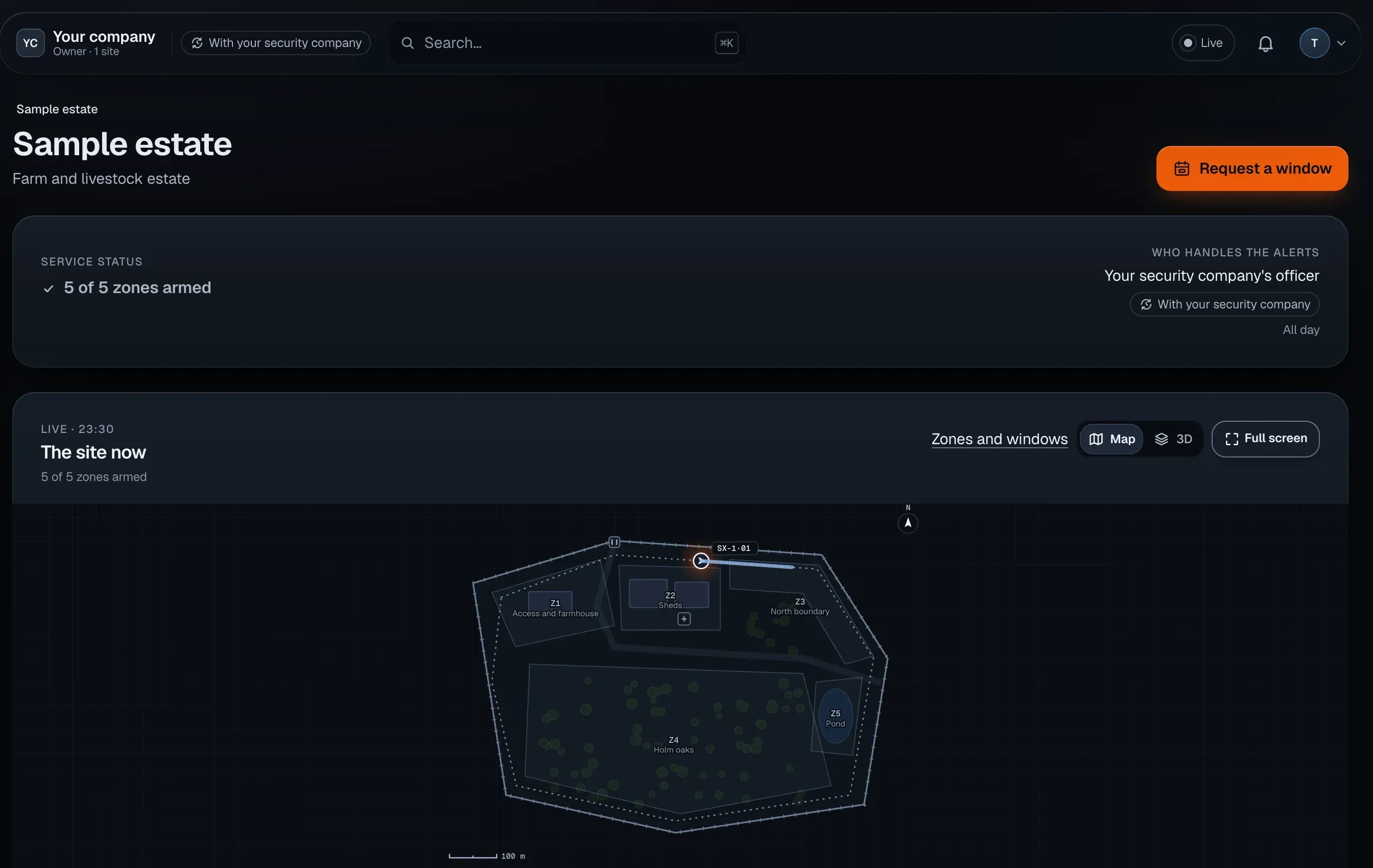
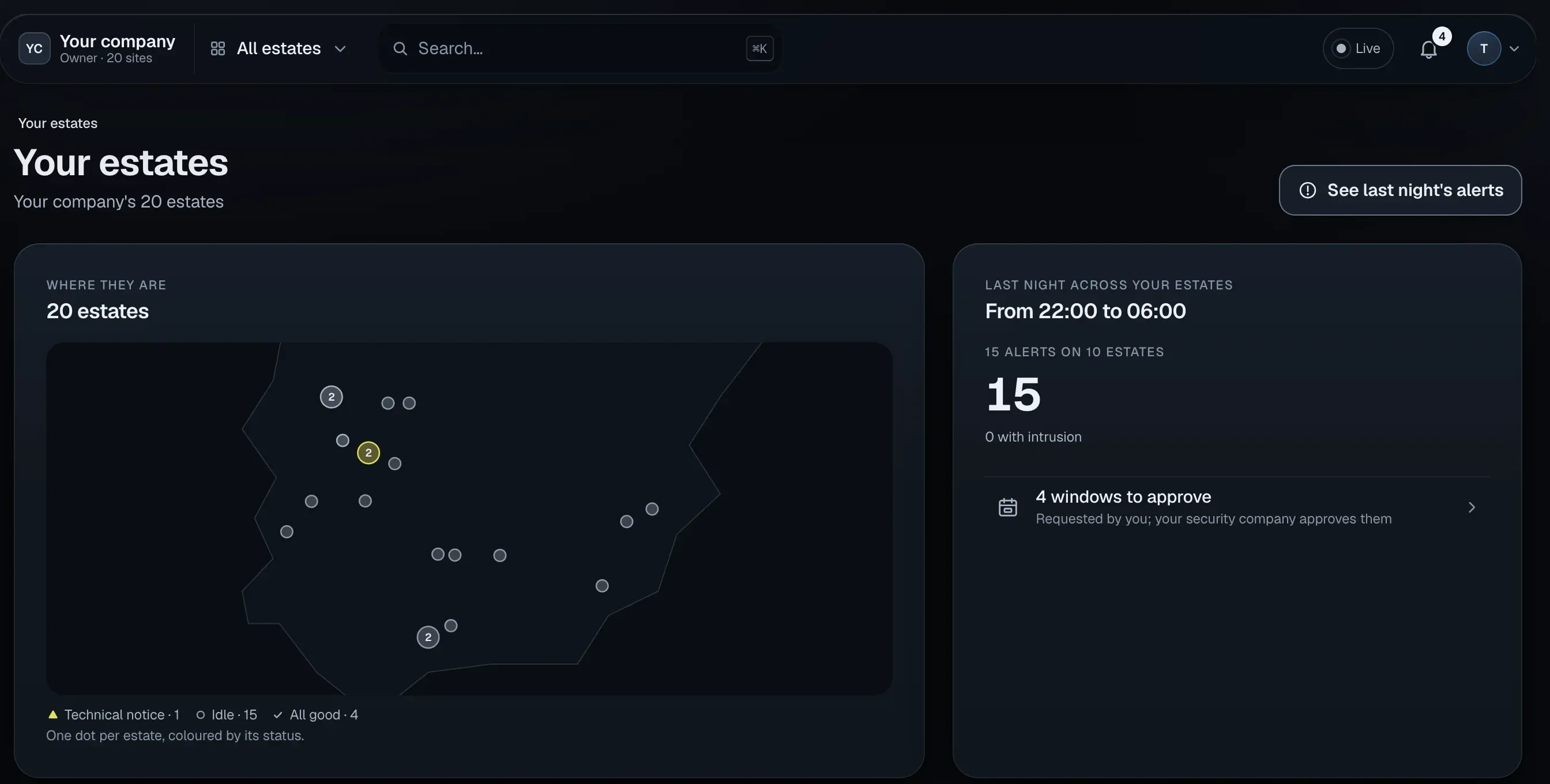
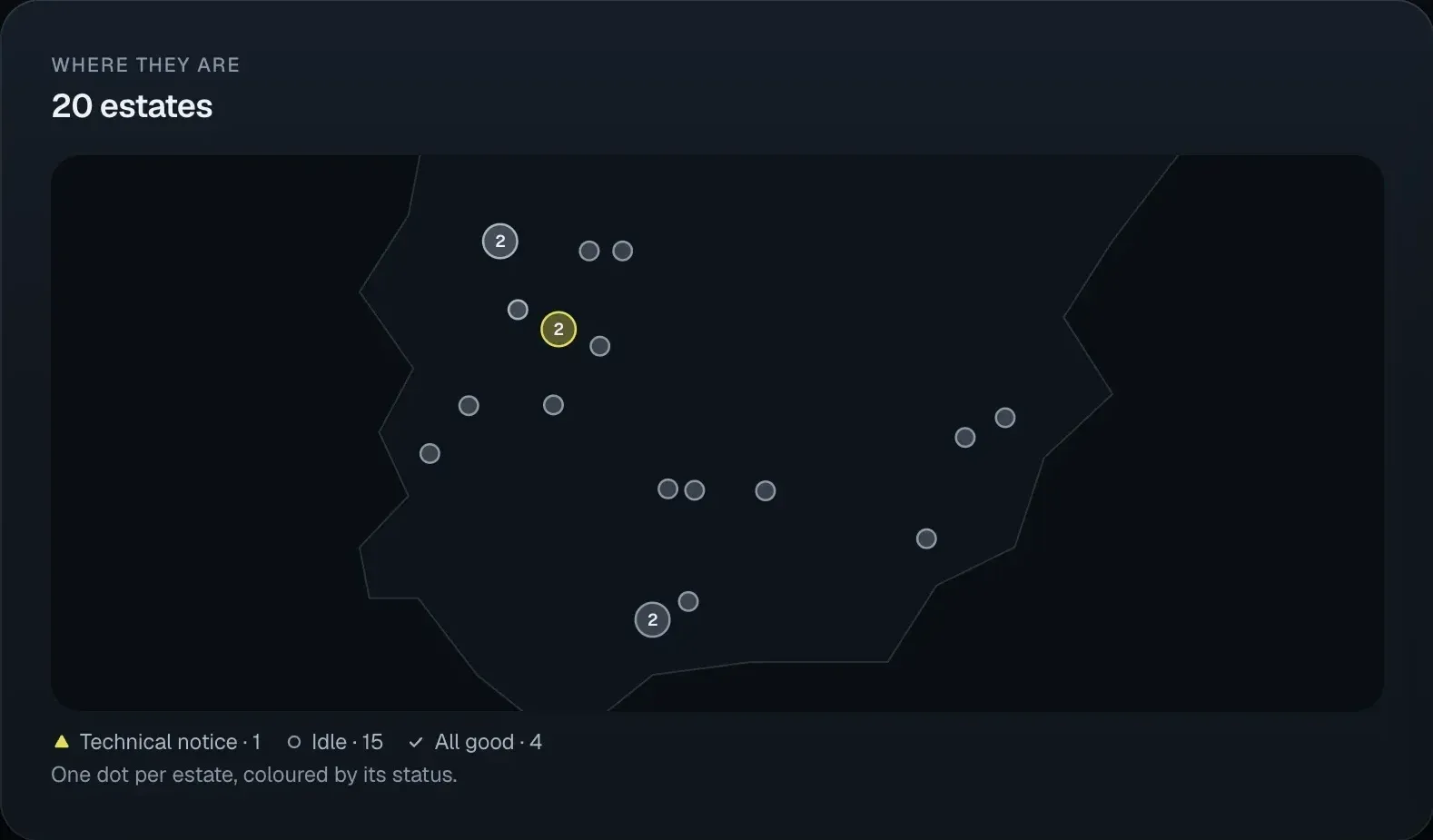
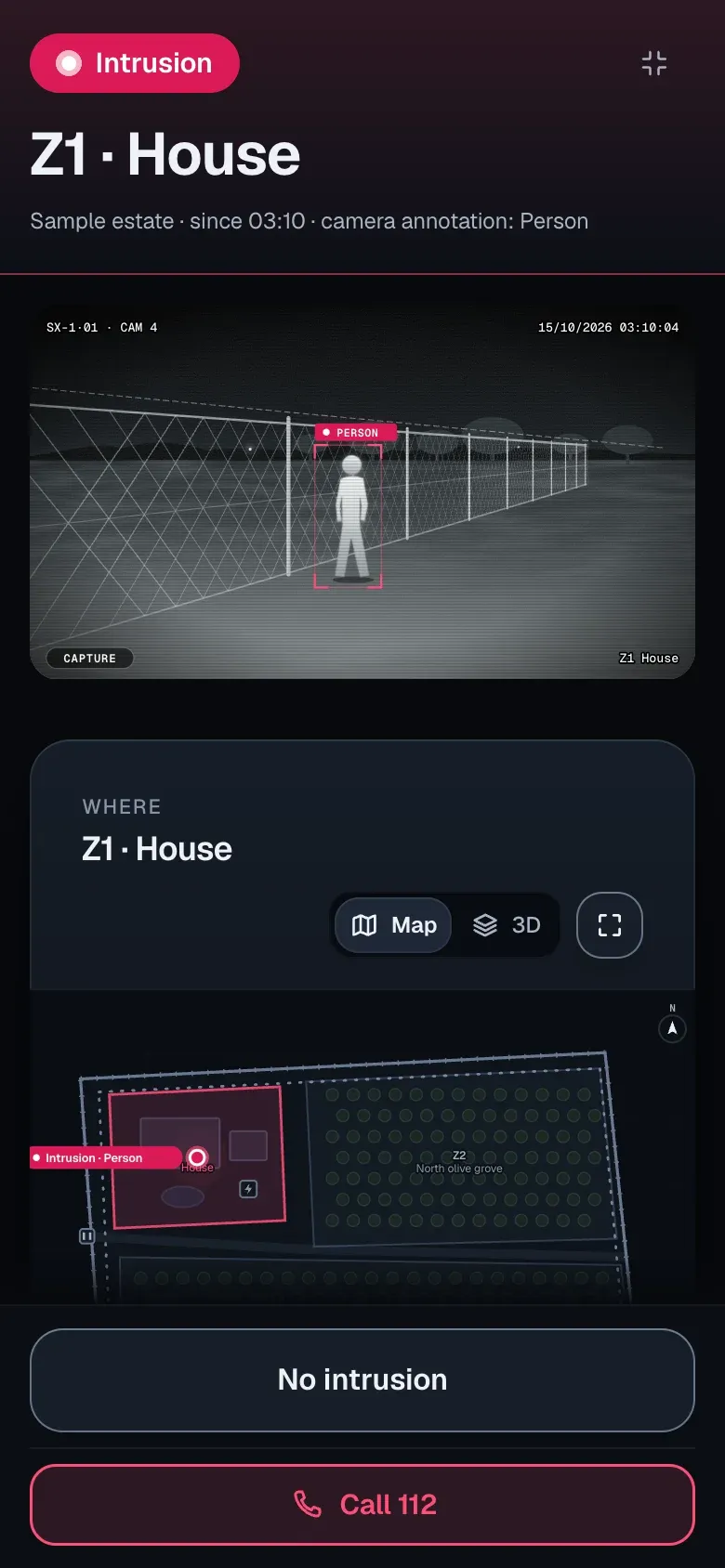
Each zone, with its own schedule. During works, it is paused with an end time and starts alerting again on its own.
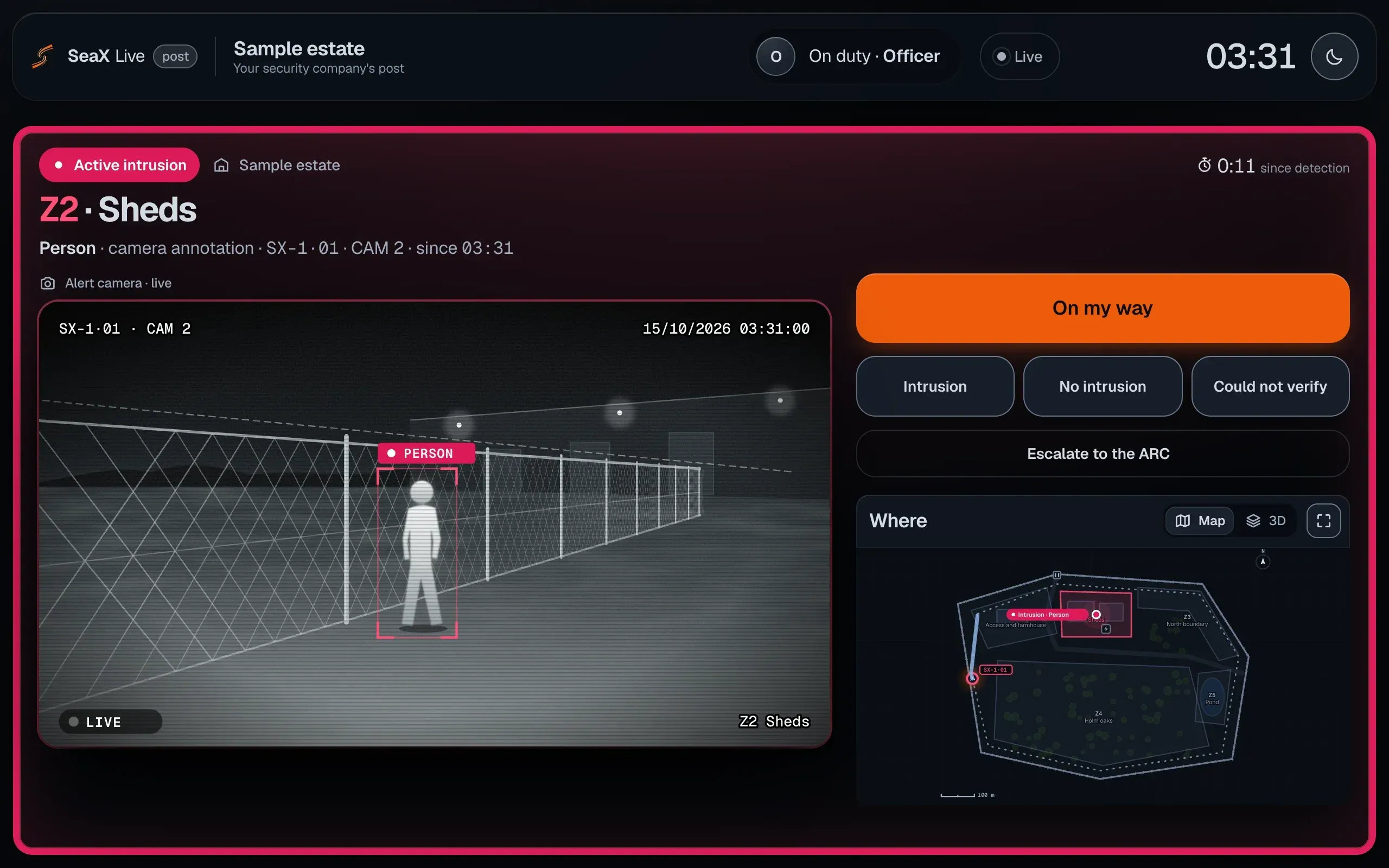
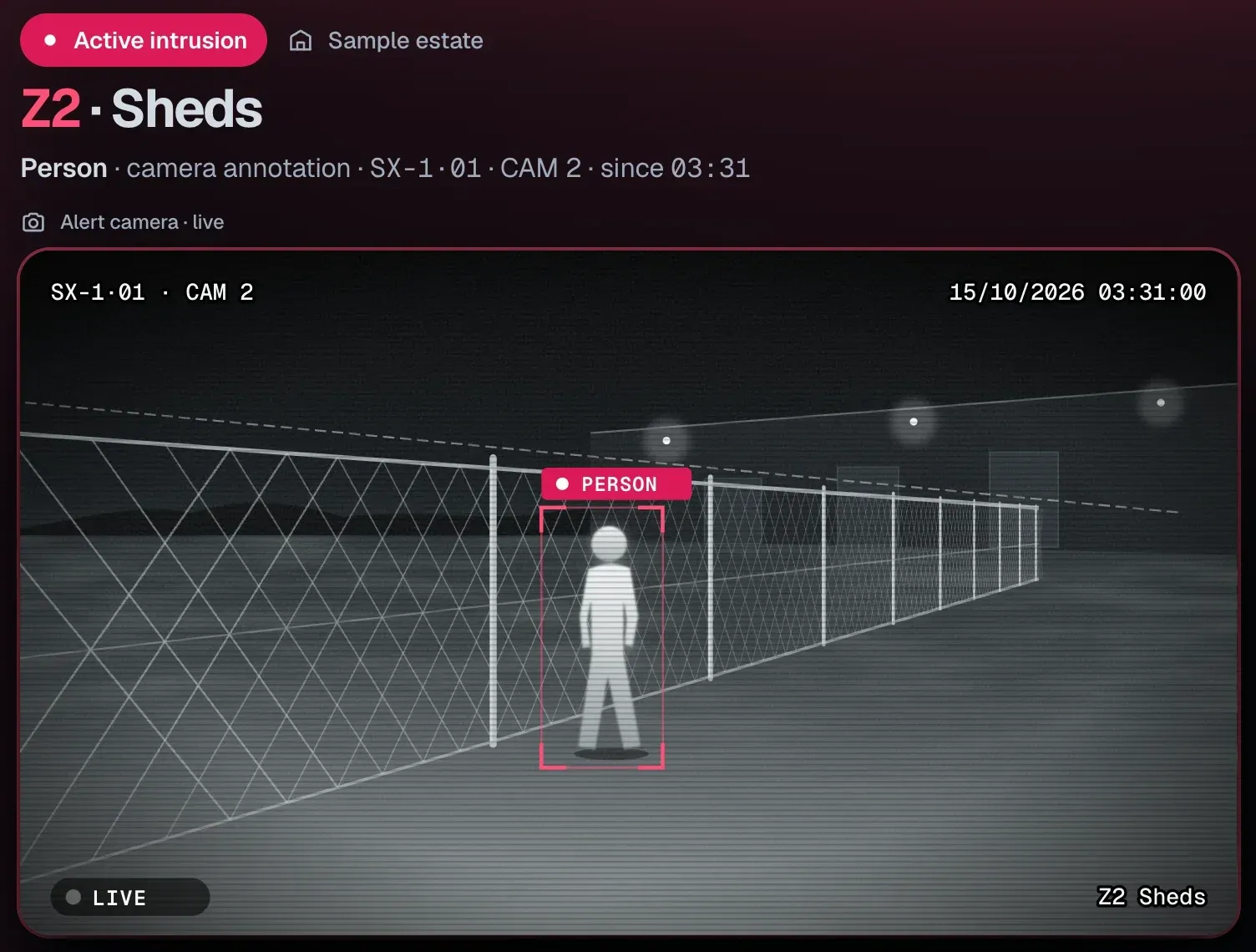
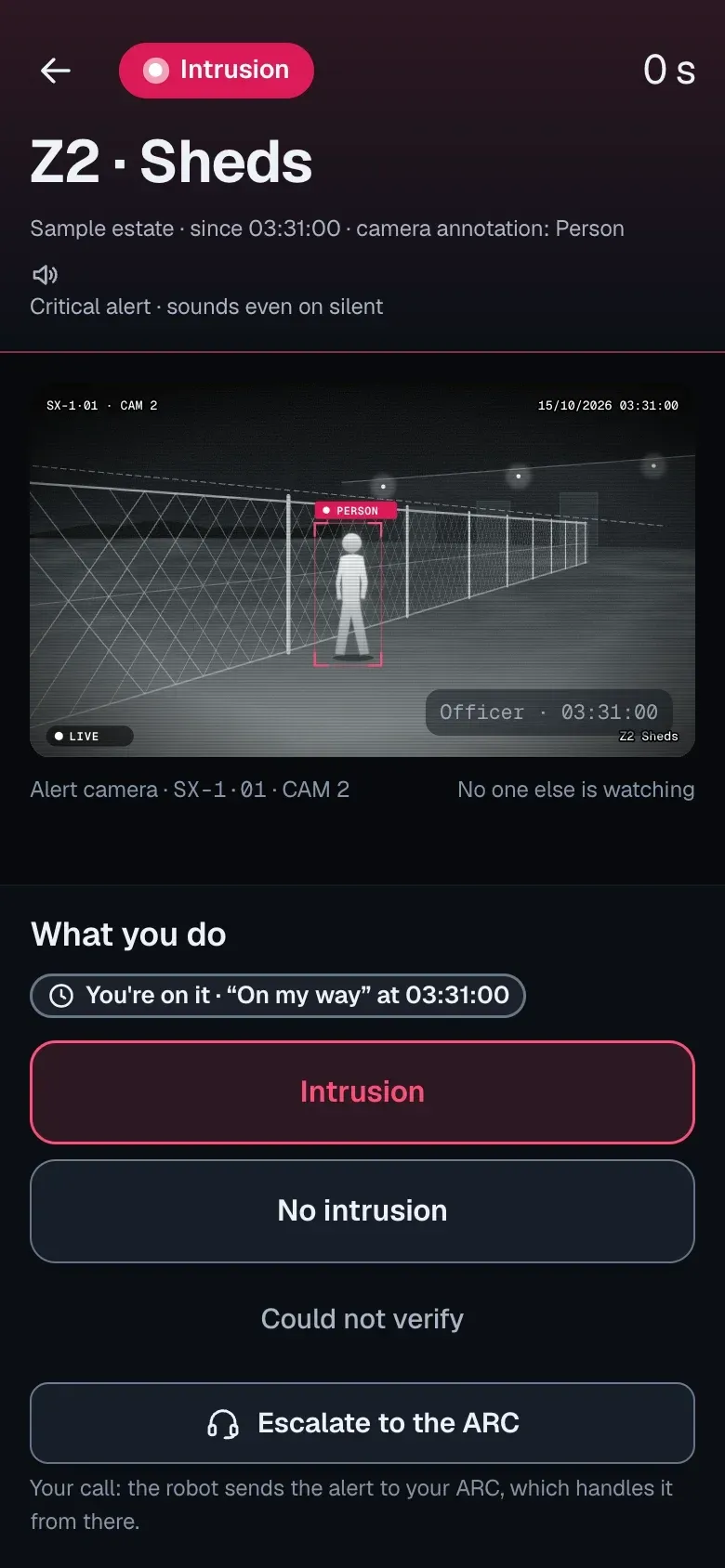
For the security officer · Included in SeaX Pro
What it is for
For the technician and installer · Included in SeaX Pro
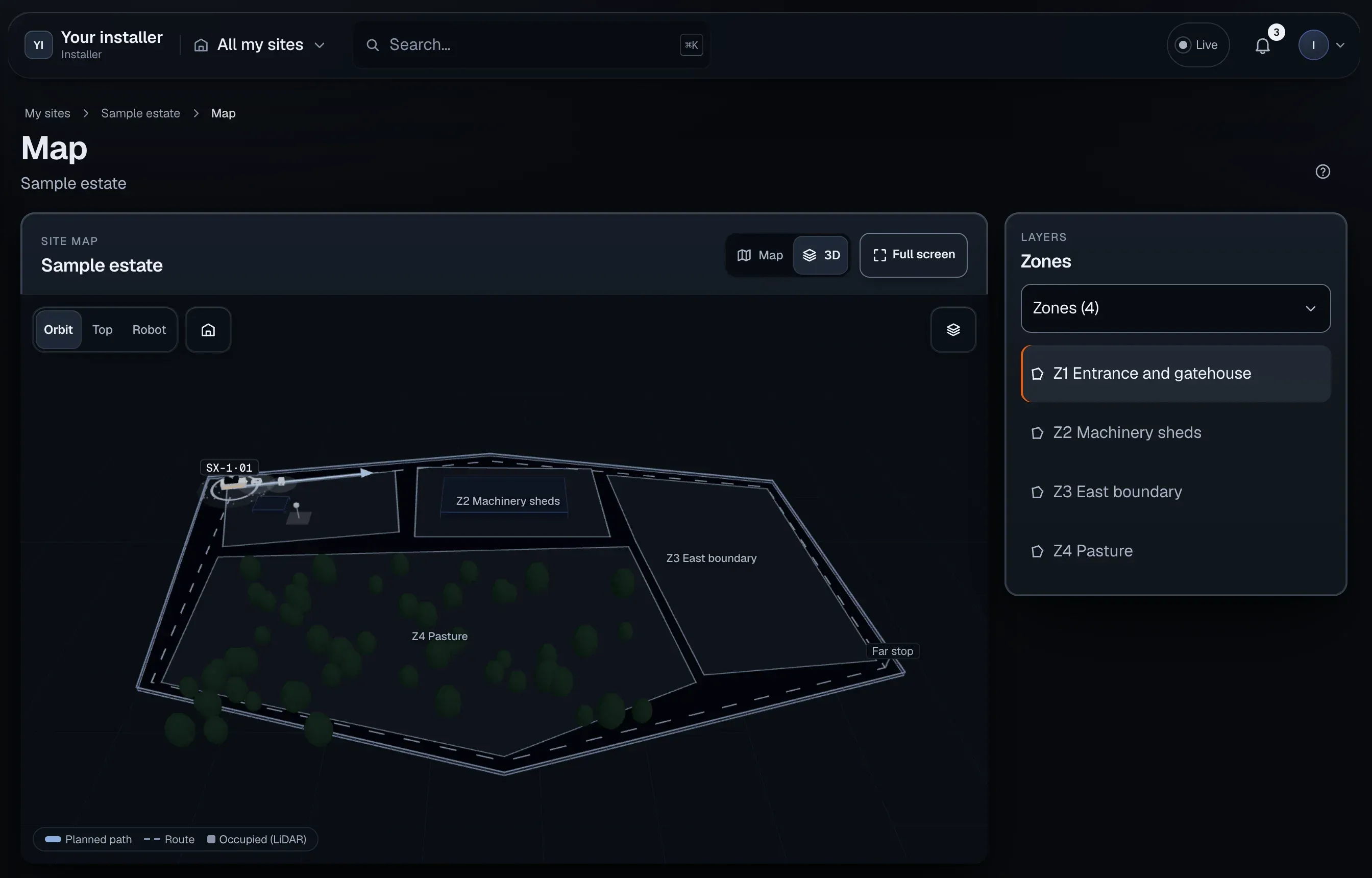
What it is for
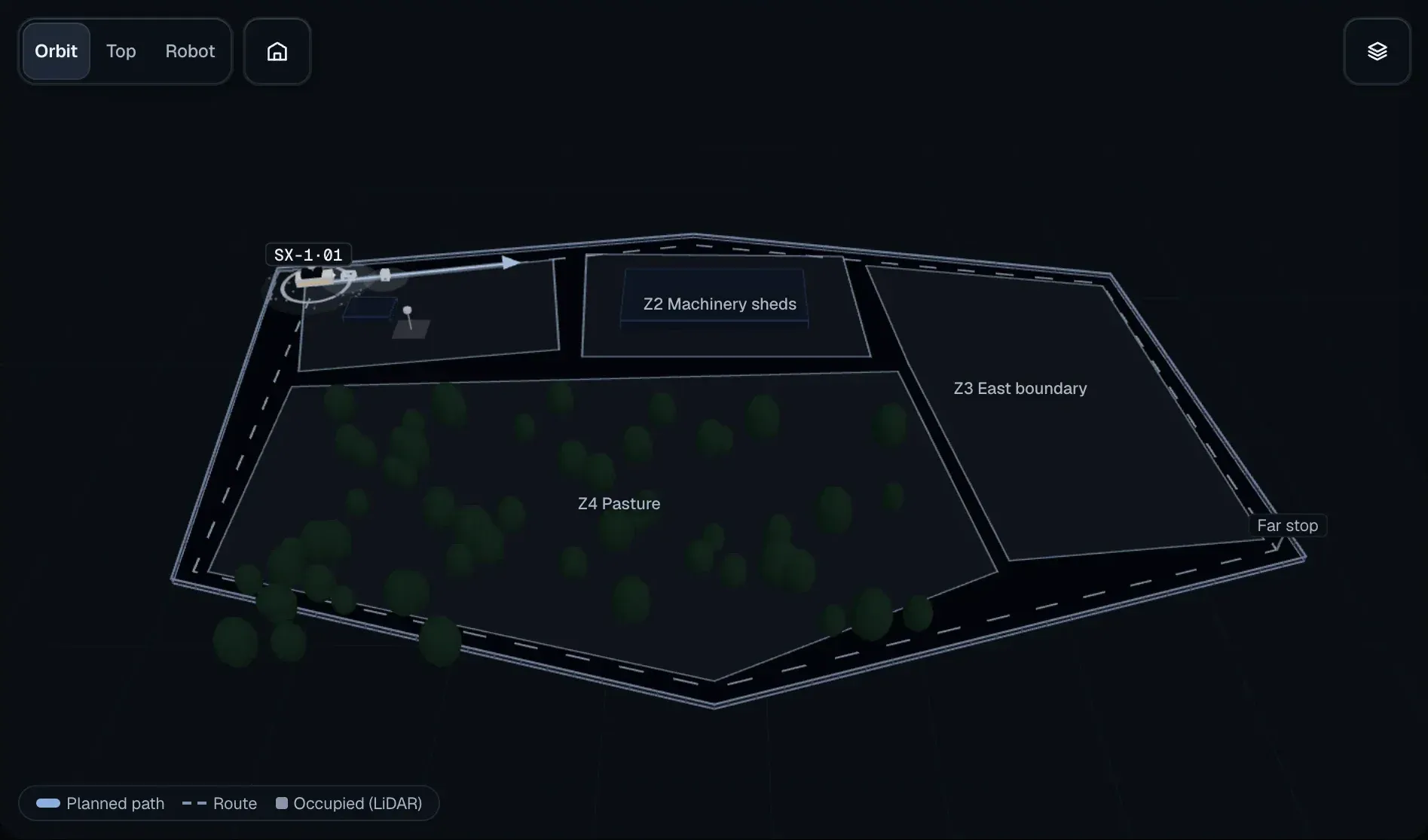
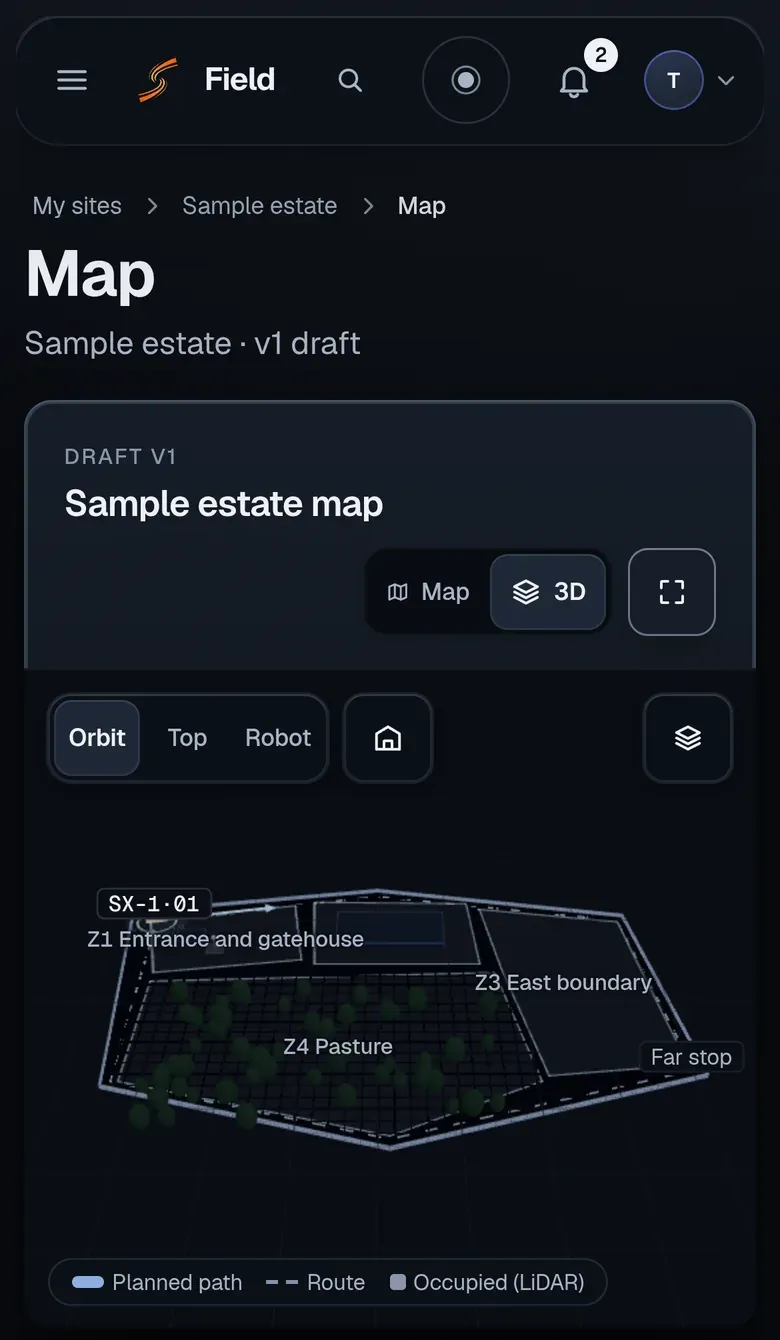
For the alarm receiving centre (ARC)
What it is for
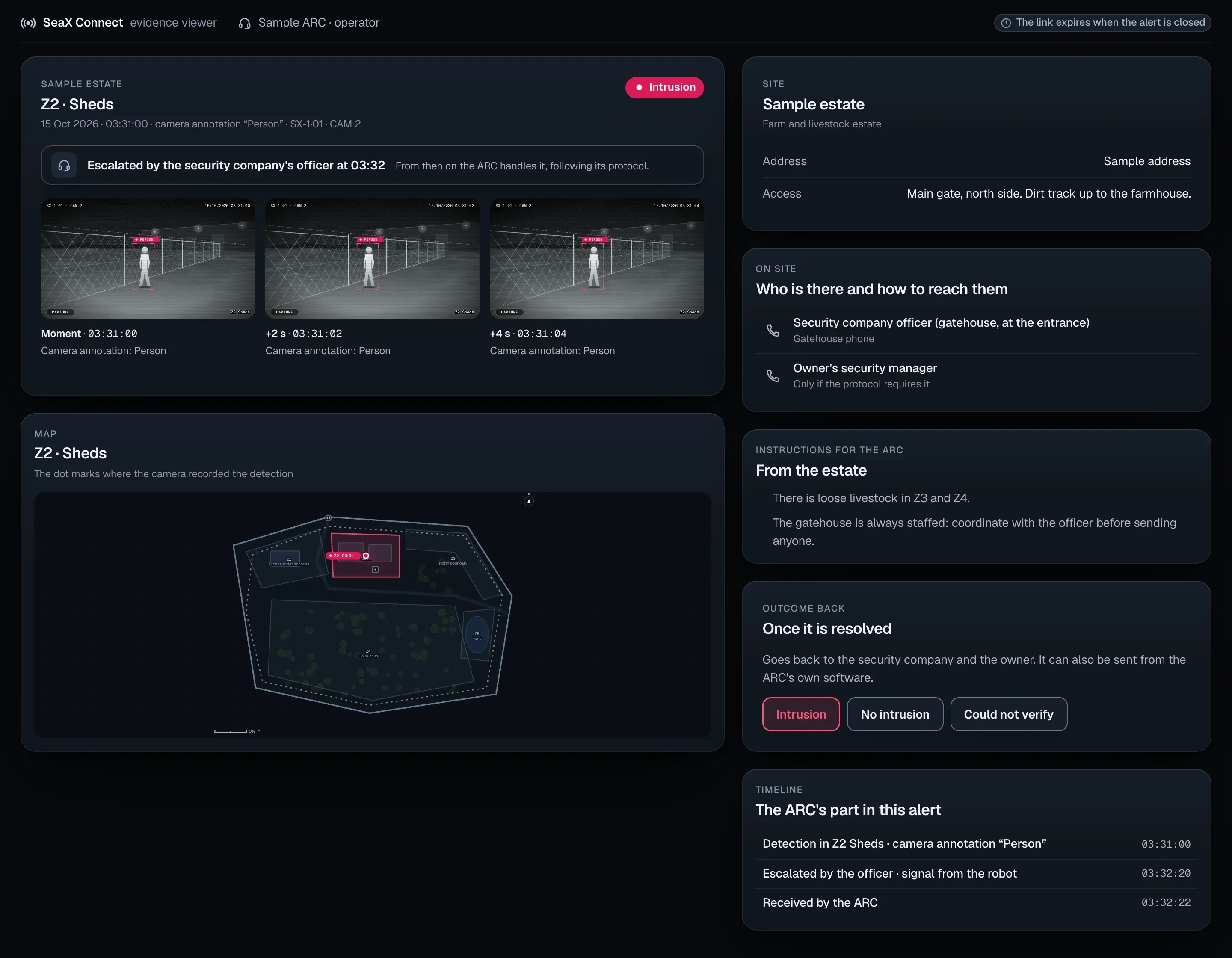
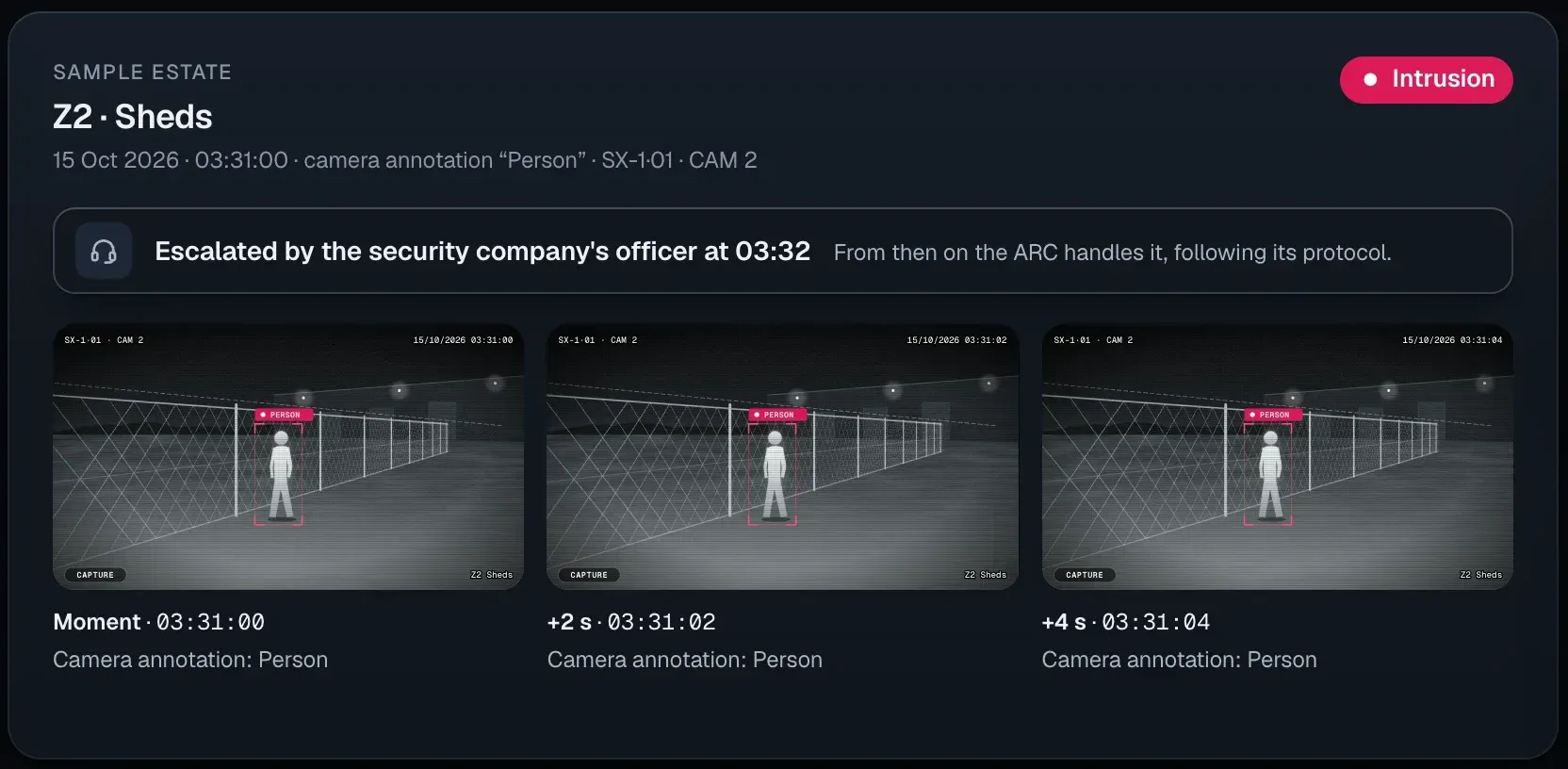
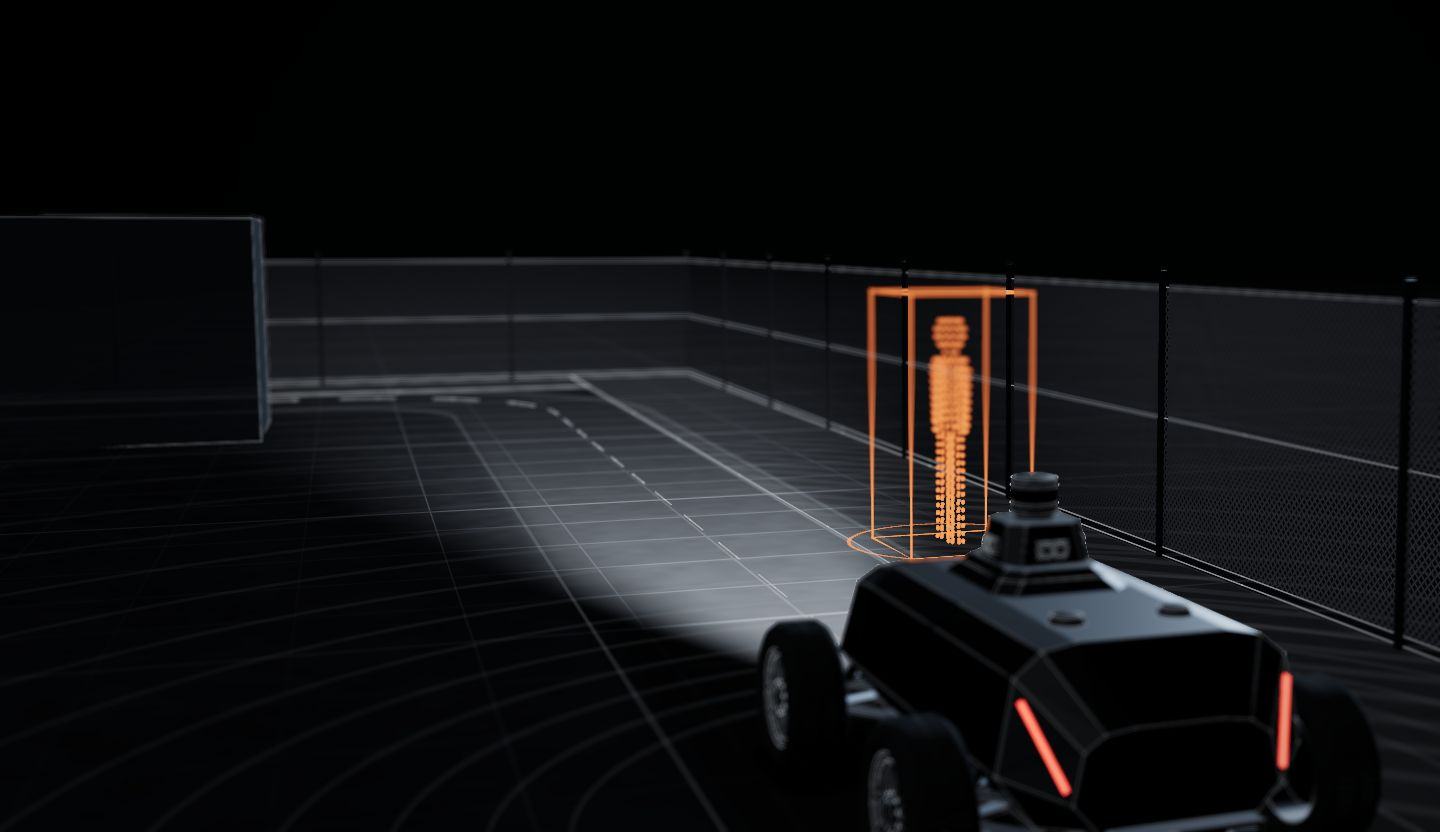
From the robot to whoever handles it: your security company, your ARC or you. Nobody at SeaX AI handles the alert.
01 · The SX-1
Detects a person inside one of the site’s detection zones and places them on the map.
02 · SeaX Core
The photo, the live camera and the position reach the app of whoever handles the alert.
03 · Your security company
With SeaX Live, your security officer sees the alert and decides on the response. If needed, they escalate it to your ARC.
04 · Your ARC
Gets the alert through SeaX Connect, verifies it and manages the response under your contract with them.
If our server goes down, the robot keeps to its route and alerts keep reaching your ARC.
What happens if something fails05 · For you
Every alert leaves a record: photos, time, position and who decided. You can keep it as evidence. You can see it in SeaX View.
Privacy
Your cameras, your rules: who looks, what is masked and how long it is kept.
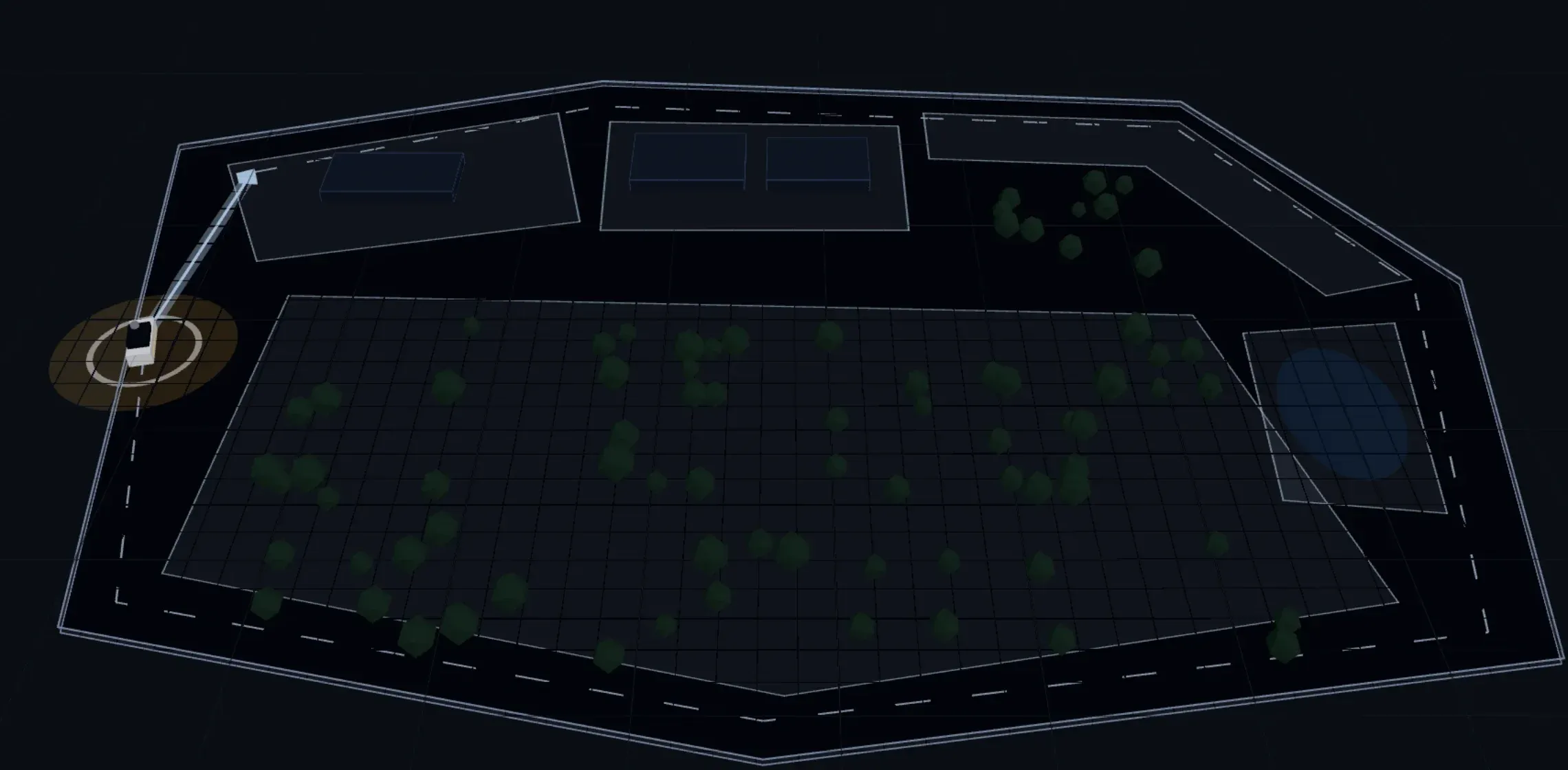
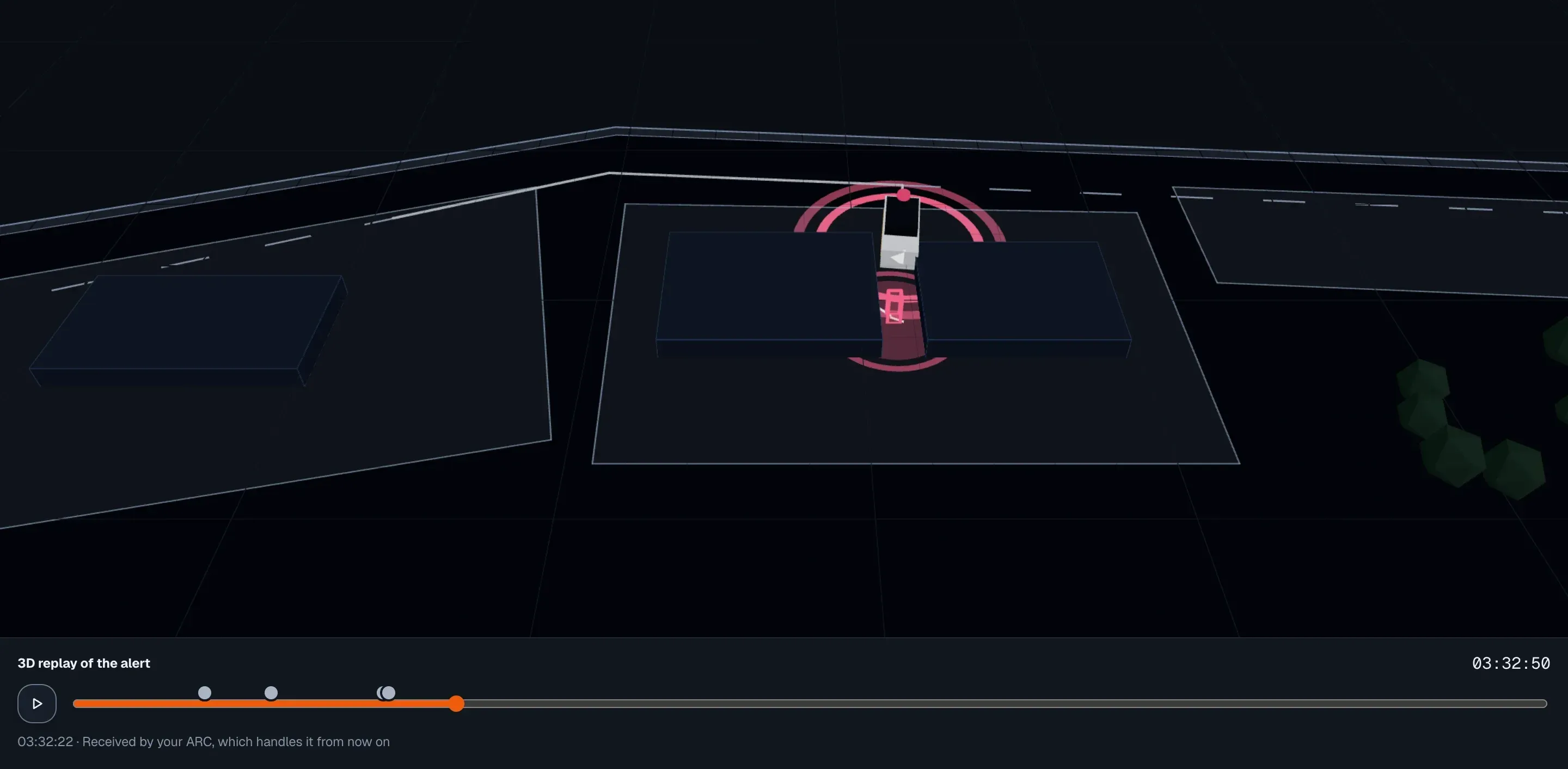
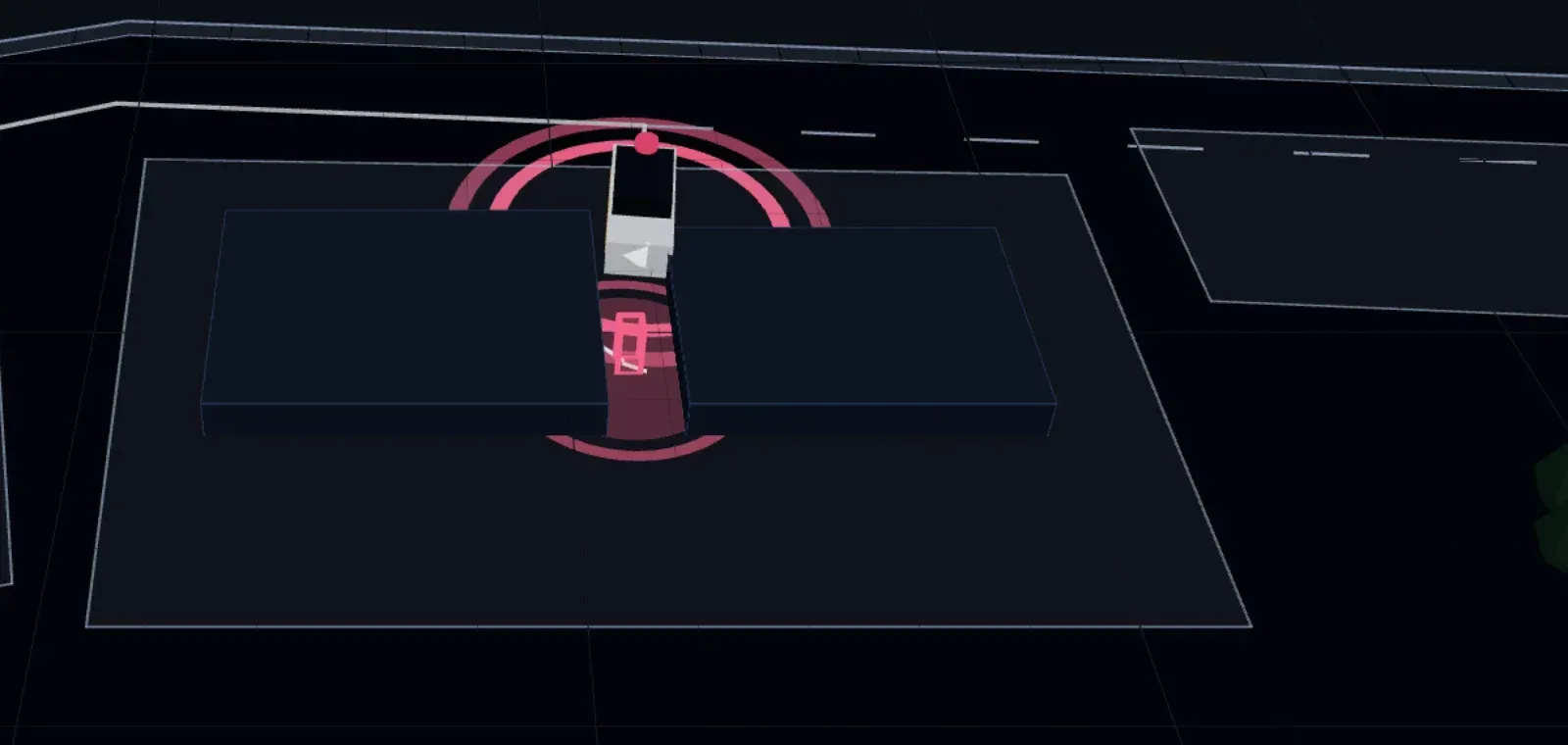
The robot’s cameras look at your site, and you decide who looks at them.
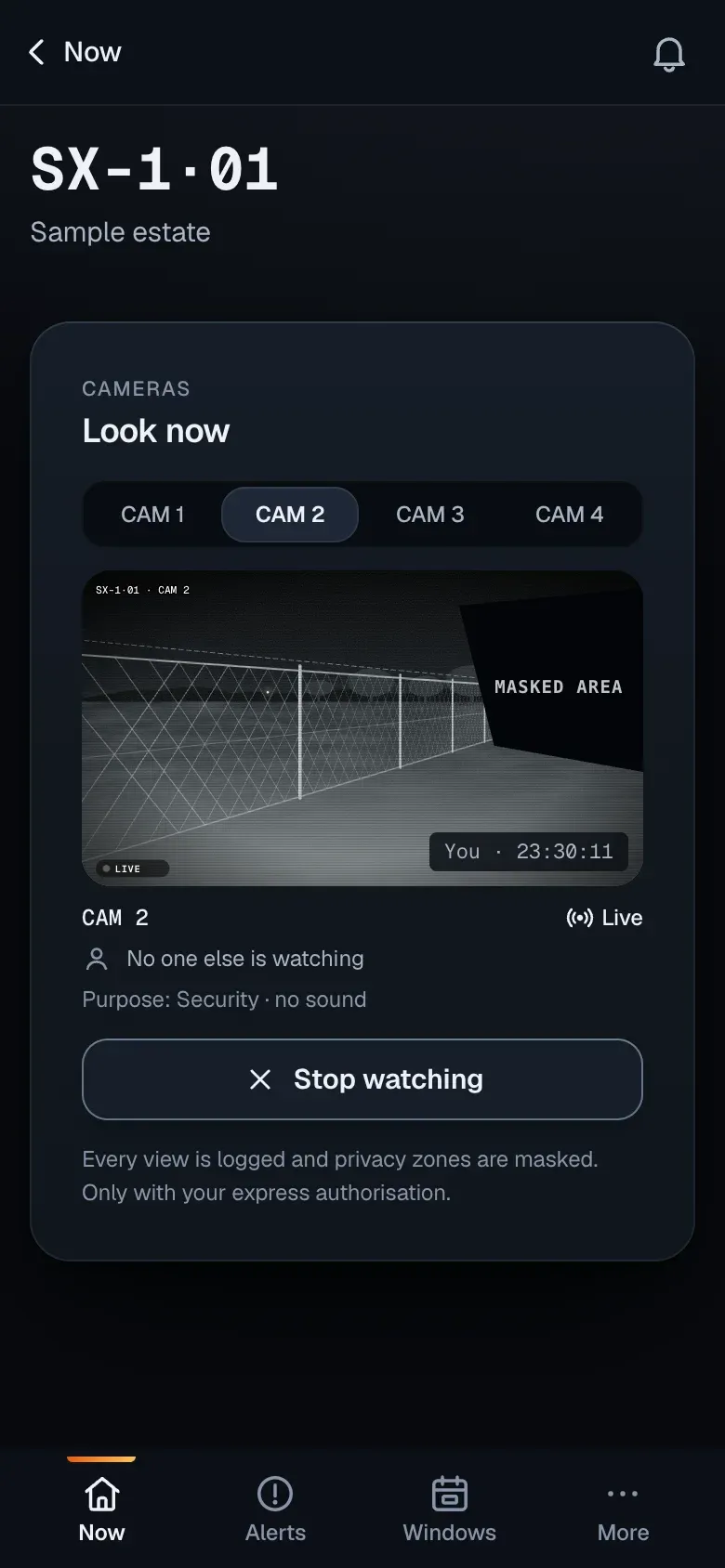
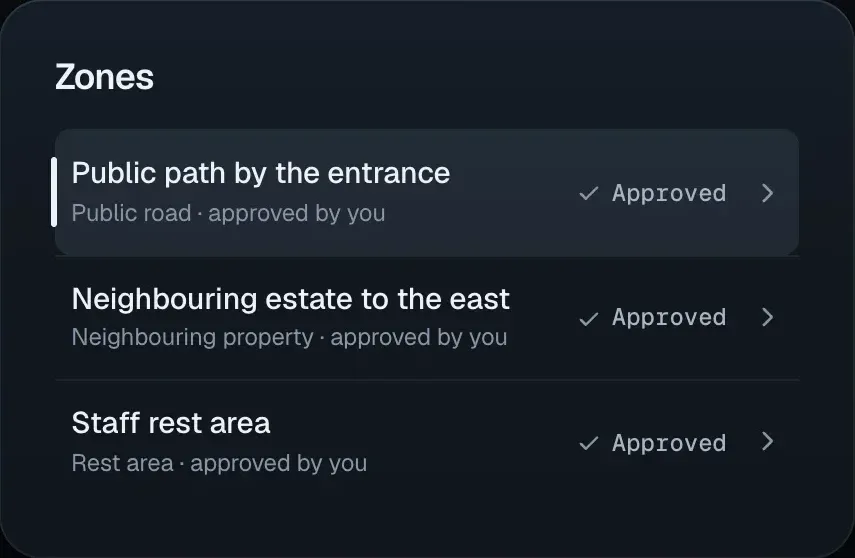
Public roads, neighbouring properties and rest areas are masked in the image. You approve those areas.
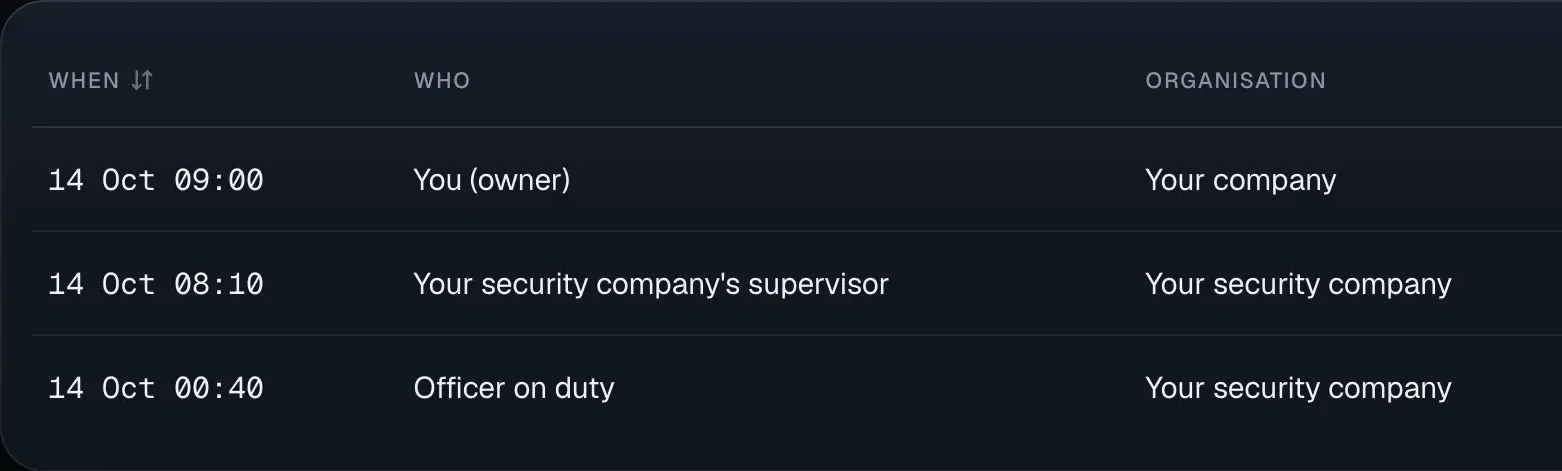
Every view is logged: who, when and what. And while someone is watching, their name sits on the image.
Every alert leaves a record: photos, time, position and who decided. You can keep it as evidence.
Whoever handles your alerts, you and the technician: each with their own access.
Your site map is not shared with other sites or other customers.
Contact
Tell us about your site and who handles your alerts today.
Prefer email? support@seax-ai.com
Why we work with authorised companies